
First Steps
Activating
Activate your RankGun workspace by connecting it to Roblox via OAuth. Learn the required permissions and setup steps.
Activating your rankgun workspace is easy. Navigate to Integrations > Roblox. Then press the connection button.
Activation Prerequisites
- Ensure the account connected has the following permissions within the group:
Post community shoutManage lower-ranked member ranksHandle Join Requests.
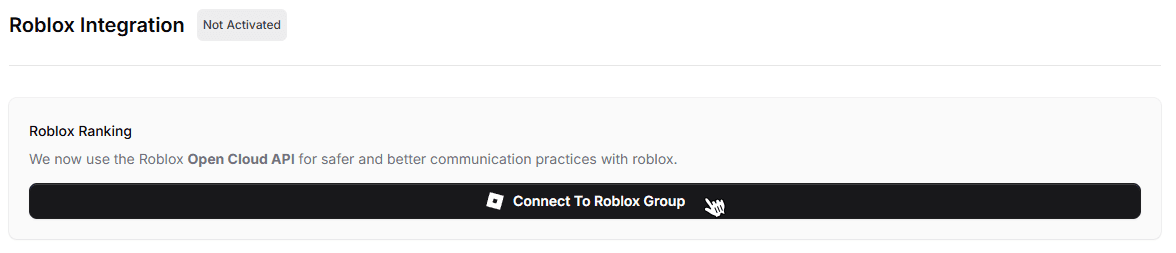
Upon successful connection the activation badge should light green.
Disconnecting
You may have to reconnect in the future. You can always manage your connections on Roblox.
Was this page helpful?